
Do You Own Your Website? A Plain Check Before Your Builder Decides for You
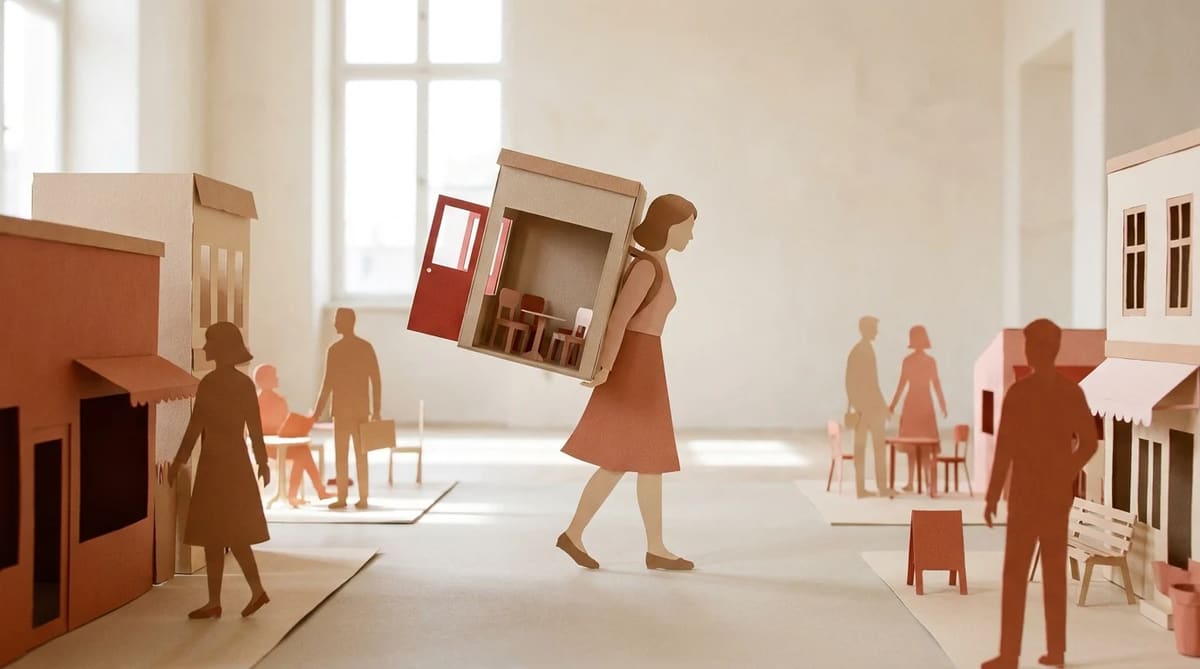
Most business owners find out who really owns their website on the worst possible day: the day they try to leave, or the day their website company closes. By the end of this guide you'll know the five parts of a website you might not own, what the big builders actually let you take with you, and the five questions to ask before you pay anyone.
Hocoos, and the builder that went before it
On March 23, 2026, the AI website builder Hocoos posted a help article titled "Hocoos is closing — what you need to know". Customers had 30 days, from March 23 to April 23, 2026, to download their sites. After that date, every site and all stored data would be deleted.
The fine print is the part worth reading. The download was a static HTML copy of the site, plus uploaded files and spreadsheets of data like orders, bookings and mailing lists. Contact forms, booking, checkout and subscribe forms stopped working during the wind-down. Domains and mailboxes did not move on their own. The notice was blunt: "exporting your data is your responsibility."
Three months later, a July 2026 write-up confirmed the deadline had passed and the files were gone. As of September 26, 2026, the Hocoos app login shows one message: "Hocoos is no longer available… The editor is no longer accessible, and websites can no longer be edited or published." Oddly, the Hocoos homepage is still up that same day, still selling plans and still claiming to be "trusted by over 500,000 small businesses."
Hocoos was not the first. In early 2024, Google turned off the free websites it had built from Google Business Profiles. According to Search Engine Journal, the sites went dark in March 2024, visitors were redirected to the business's profile until June 10, 2024, and after that the links simply stopped working. Google suggested other builders to move to. It did not move anyone's site.
Neither story is about a bad company. They're about a normal business decision, made by someone else, landing on your front door.
The five things you might not own
A "website" is really five separate things. You can own some and rent the rest.
1. Your domain
This is your address, like yourplumbing.com. It matters most, because it's what's printed on your truck, your cards and your Google listing. The person who controls a domain is the one listed as the registrant. Under ICANN's transfer rules, only the registered name holder (or someone they authorize) can move it, and a registrar must hand over the transfer code within five days of a request, or let you make one yourself.
If your web company registered the domain in its own name, you don't control it, even if you paid for it.
2. Your content
Your words, your photos, and your customer list. Most builders say this is yours on paper. Wix's help center says plainly that "the content you build on Wix belongs to you." Owning it and being able to download it in one piece are different things, though. Often "yours" means you can copy and paste it out, page by page.
Your customer list counts here too. The leads your website collected are some of the most valuable data your business has.
3. Your design
The layout, fonts, colors and how pages fit together. This is the part that almost never leaves. Builders make their design from their own code, so when you go, the look stays behind.
4. Your code
The actual files that make the site run. On a hosted builder you don't get these, because the site only works on the builder's servers. That's not sneaky. It's how hosted software works. It just means "leaving" usually means rebuilding.
5. Your email
If [email protected] runs through your website company, check what happens to it when you cancel. B12's help center, for example, says forwarding set up through B12 stops when your subscription ends. Hocoos customers had to move their mailboxes themselves before the deadline.
The lock-in scorecard
Here's what each company's own help pages (or, where there are none, a reviewer) say about leaving. Checked September 26, 2026.
| Builder | Can you download the site? | What comes with you | Domain bought through them |
|---|---|---|---|
| Wix | No: "your site must run on Wix's servers" | Content is yours; copy it out by hand | Transferable from your account, usually within 7 days |
| Squarespace | Partly: a file for WordPress only | Basic pages, one blog, text and images. No store pages, no style settings, no custom CSS | Transferable with a transfer code |
| GoDaddy Websites + Marketing | No export tool, per WPBeginner (May 2026) | Save text and images by hand | Transferable; some bundled domains locked for 120 days |
| Durable | No site download in its help center; its pricing FAQ calls it a "no code" solution | Customer list as a CSV file | Transferable after 3 consecutive paid months |
| B12 | No: "no file or code export that another host could use" | Save images and copy text before you cancel. Site is unpublished on cancel | Yours; ask for the transfer code, no fee |
| WordPress (self-hosted) | Yes: a content file any WordPress site can import | Content, plus the files on your own host | Wherever you registered it |
A few honest notes on the table:
- Durable is fast and friendly, and its customer-list export is a good sign. But as of this check, its help center documents no way to download the website itself. Its domain policy requires three consecutive months of a paid plan before a domain bought through Durable can move.
- WordPress gives you the most freedom and the most work. You own the files, and you also own the updates, the security and the backups.
- None of the hosted builders is doing anything unusual. Hosted builders are rented. That's fine, as long as you know it going in.
"Free migration" and other traps in the fine print
Lock-in rarely shows up in the sales pitch. It hides in small phrases.
"Free migration." Almost always means free migration in. Moving to a platform is a sales event. Moving off one is a support ticket. Ask which direction the offer covers.
"Free domain for the first year." Wix and Squarespace both include a free domain for a year on annual plans. That's a real perk. Just note the renewal price, and check whose name goes on the registration.
"We'll register the domain for you." Helpful, until you want to leave. B12 notes that for customers who signed up before 2024, a domain B12 bought for them "may still reside in B12's domain hosting account," though B12 says it will transfer it any time (B12 help). Good policy. But you had to ask.
"Export your site." Read what's in the export. Squarespace's export is WordPress-only and skips style settings. Hocoos's export was a static copy where forms and booking stopped working. A static copy keeps your pages alive, which beats losing everything. It is not the same as a working website.
"Minimum term" on the domain. Durable's pricing FAQ says transferring your domain out "takes a couple of weeks" and has a minimum subscription time. That's legal and disclosed. It's also the kind of thing you want to know on day one, not on your way out.
Five questions to ask before you pay anyone
Ask these of any builder, agency or web person. Get the answers in writing, in an email or the terms.
- Whose name is on my domain? It should be yours or your business's. You can check who's listed with ICANN's lookup tool. If it's the company's name, ask them to change it now.
- Can I download my site, and what exactly is in the download? Pages? Images? Design? Forms? A yes with no details is not an answer.
- What happens to my site the day after I cancel? Does it stay up, go offline, or get deleted? How long do you keep it?
- Can I export my leads and customer list, and in what format? A spreadsheet (CSV) is the minimum you should accept.
- If you shut down, how much notice do I get? Hocoos gave 30 days. Would your provider give more? Is it in the contract?
If a company won't answer these clearly, that is the answer.
Already signed up somewhere? Do this in an afternoon
You don't need to switch anything to protect yourself. You just need a copy of what's yours.
- Look up your domain. Confirm your name or your business name is on it. Put the renewal date in your calendar.
- Save your words and photos. Copy each page's text into a document and download your original images into one folder.
- Export your customer list. Most tools have a CSV download somewhere under contacts or customers. Do it every few months.
- Write down how your email works. Who hosts it, and what's connected to the domain. If you ever move, this note saves a lost week.
None of this means your builder is about to close. It means that if it does, you lose a weekend instead of your business's address.
Next, use these answers to compare what you'd actually pay across builders, designers and services in our guide to what a small business website costs. If you're on Durable today and weighing a move, our honest look at Durable alternatives goes builder by builder. And if you're deciding between building it yourself and hiring help, start with AI builder vs. web designer vs. done-for-you.
Our standard is simple. You own your site, its content and any domain you register, and you keep both if you cancel. On our paid plans you can download the whole site as plain HTML files and images, and move your domain whenever you want, including after you cancel. Like any static copy, the download keeps your pages and design, not the live forms or booking. We wrote that into our terms so it's a promise, not a sales line. If you want to see what your site would look like with us first, get your free graded demo: enter your current website and see how it scores against the competitors on your block.
Frequently asked questions
You own your content, but not the site itself. Wix says your content belongs to you, yet a Wix site can't be exported and must run on Wix's servers. Squarespace lets you export some content in a WordPress format, but not your design, store pages or style settings. In both cases, leaving usually means rebuilding the design somewhere else.
It depends on the platform. Self-hosted WordPress sites can move, because you hold the files. Hosted builders like Wix, GoDaddy Websites + Marketing, Durable and B12 don't offer a working export, so moving means copying your text and images and rebuilding. Your domain can almost always move to a new registrar with a transfer code.
Whatever the company decides. When Hocoos closed in April 2026, customers got 30 days to download a static copy, then every site was deleted. When Google turned off Business Profile websites in 2024, the links stopped working after June 10. Keep your own copy of your text and photos, and make sure your domain is in your name.
No. The domain is your address; the site is the house. Owning the domain means you can point it at a new website if you leave, so customers still find you. But the pages, design and code may stay with the builder. You need both: the domain in your name and a way to take your content with you.